
Insert a new gap
- Place the cursor where the pause should begin.
- Choose Insert Silence, select the current cursor position and set the duration in seconds.
- Insert the silence and play across both edges. Everything after the new gap moves later by the duration you added.
Mute audio without changing its length
- Select the exact section you want to silence.
- Open Effects → Gain and choose the Silence preset. Apply the change.
- Listen to the transition into and out of the muted section. Its duration stays the same, so later audio keeps its position.
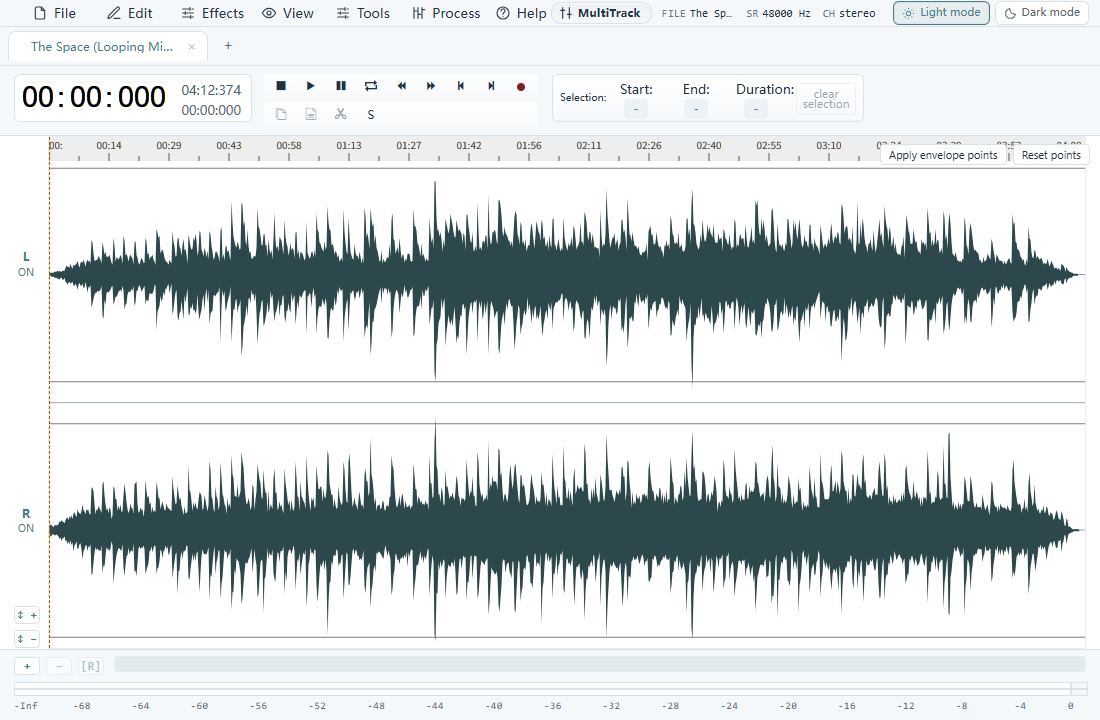
See the audio you are editing
Which method fits your recording?
Insert a gap between two instructions, music cues or spoken lines. Mute a section to remove a sound while preserving a video sync point. Deleting audio closes the gap, so use Delete only when you also want a shorter recording.
Avoid abrupt joins
A hard transition from sound to silence can be audible. Add a short fade at the boundary when appropriate, then export a separate finished file.