
Build the echo
- Open the recording and select the phrase or sound that should repeat.
- Choose Effects → Delay. Adjust the delay time to set the spacing between repeats.
- Balance feedback and the effect level so the repeats support the original sound. Preview before applying.
- Apply the effect, then listen past the end of the selection to check the echo tail.
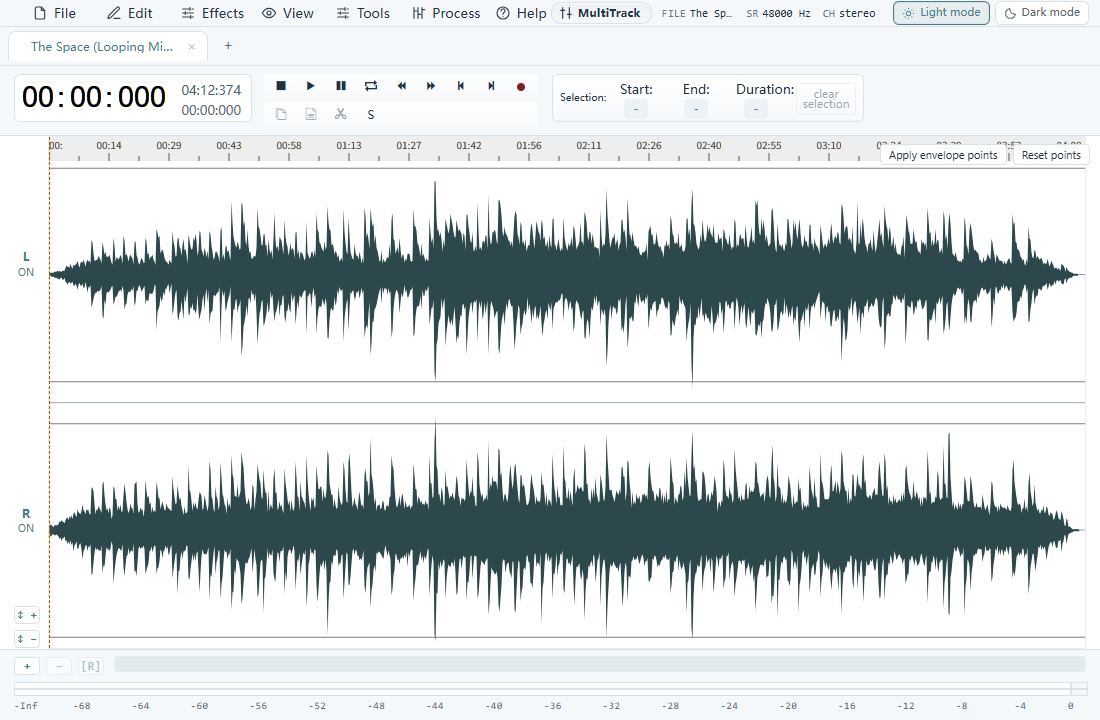
See the audio you are editing
Keep words easy to understand
Closely spaced repeats can blur speech. For an announcement or voice clip, use a quieter echo and leave space between phrases. Music and sound effects can tolerate a more obvious repeat.
Leave space for the tail
A clip that ends immediately after the final sound can cut off its repeats. Allow room at the end of the audio and listen to the exported result, especially when preparing a short cue or ringtone.
Echo or reverb?
Delay creates distinct repeats. Reverb creates a denser sense of space. Choose the effect according to what you want to hear, then compare at a similar listening volume.